 Stashpad
Envelope budgeting for iPhone & iPad
Give every dollar a job.
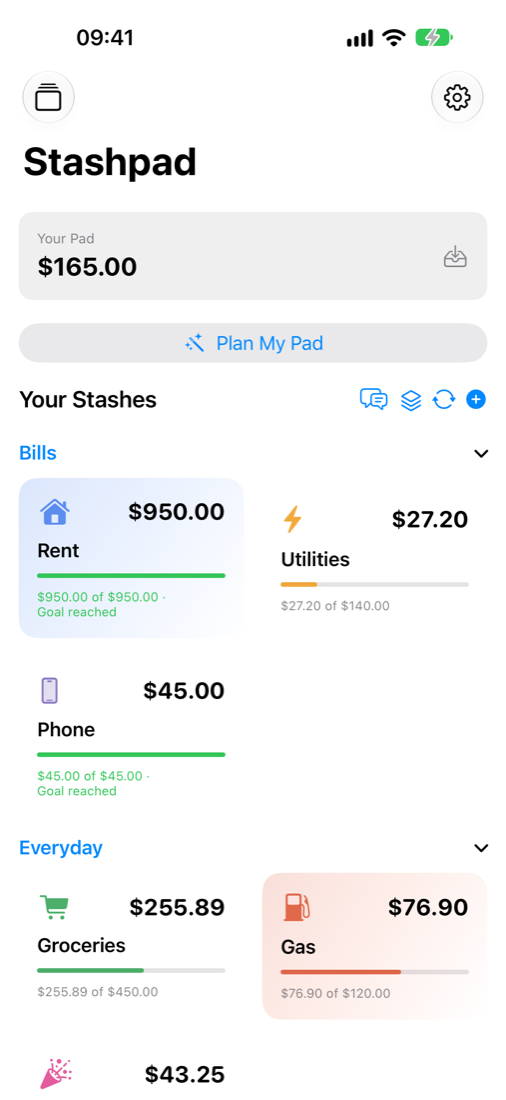
Stashpad is budgeting for people who've never budgeted before. Money lands on your Pad, then you Stash it — into Rent, Groceries, Fun Money, a Rainy-Day Stash. That's the whole idea.
15 Stashes free. No bank login. No account to create.
How it works
One sentence, three moves.
Money lands on your Pad
Log your paycheck. It waits on your Pad, money without a job yet.
You Stash it
Drag money into Stashes until your Pad is clear: needs first, then savings, then fun.
You dip, and shuffle when needed
Spend from a Stash. If one runs dry, shuffle money in from another. You can see every move.
Made for beginners
Calm, private, and quick to use.
Plain words
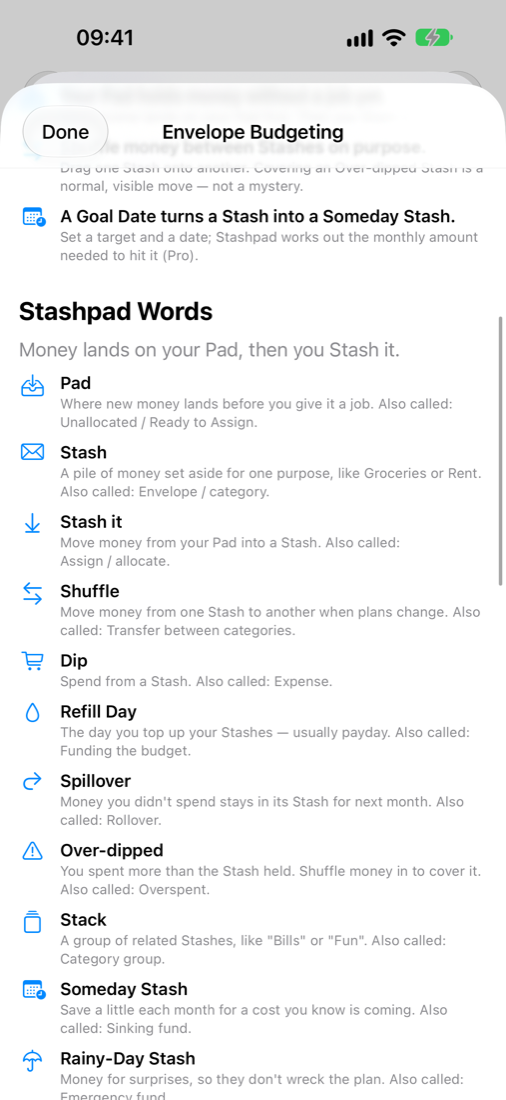
Pad, Stash, Shuffle, Dip. The built-in guide shows the standard budgeting term next to each one, so outside advice still makes sense.
Drag and drop
Drop one Stash onto another to move money. Every move is a real, recorded transfer, so nothing changes mysteriously.
Private by design
No bank login and no account to create. Your budget stays on your device, or in your own iCloud with Pro.
Quick Entry
Log a purchase in seconds, with Apple Pencil Scribble on iPad. Pro can read a receipt for you, on your device.
Siri & Shortcuts
"Log $12 for lunch." Ask a Stash's balance or move money by voice.
Plan My Pad
Pick a budget style (Classic, Clear Pad, 50/30/20 and more) and Stashpad suggests where your money goes. Nothing moves until you say so.
The Pad Coach
Spot an over-dipped Stash or money waiting on your Pad, and ask questions in plain words. Runs on your iPhone with Apple Intelligence.
Works with MomBooks
Paid for the bake sale out of pocket? Send the entry from your MomBooks books straight to your own budget.
Built for iPad
Your Stash Board and ledger side by side, with the same views stacked neatly on iPhone.
Screenshots
See a first month's budget.
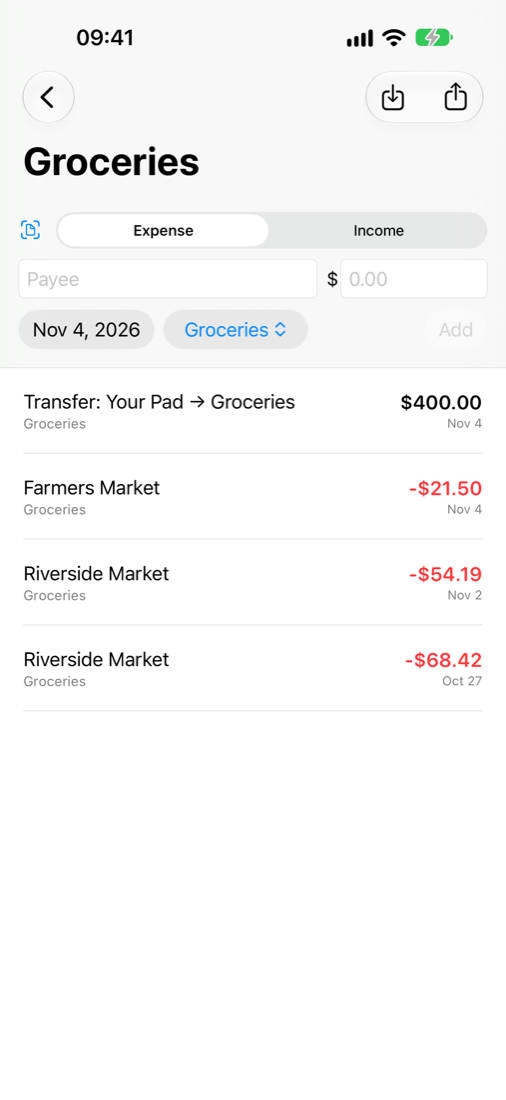
Real screens from the app, showing a sample $2,400 paycheck.
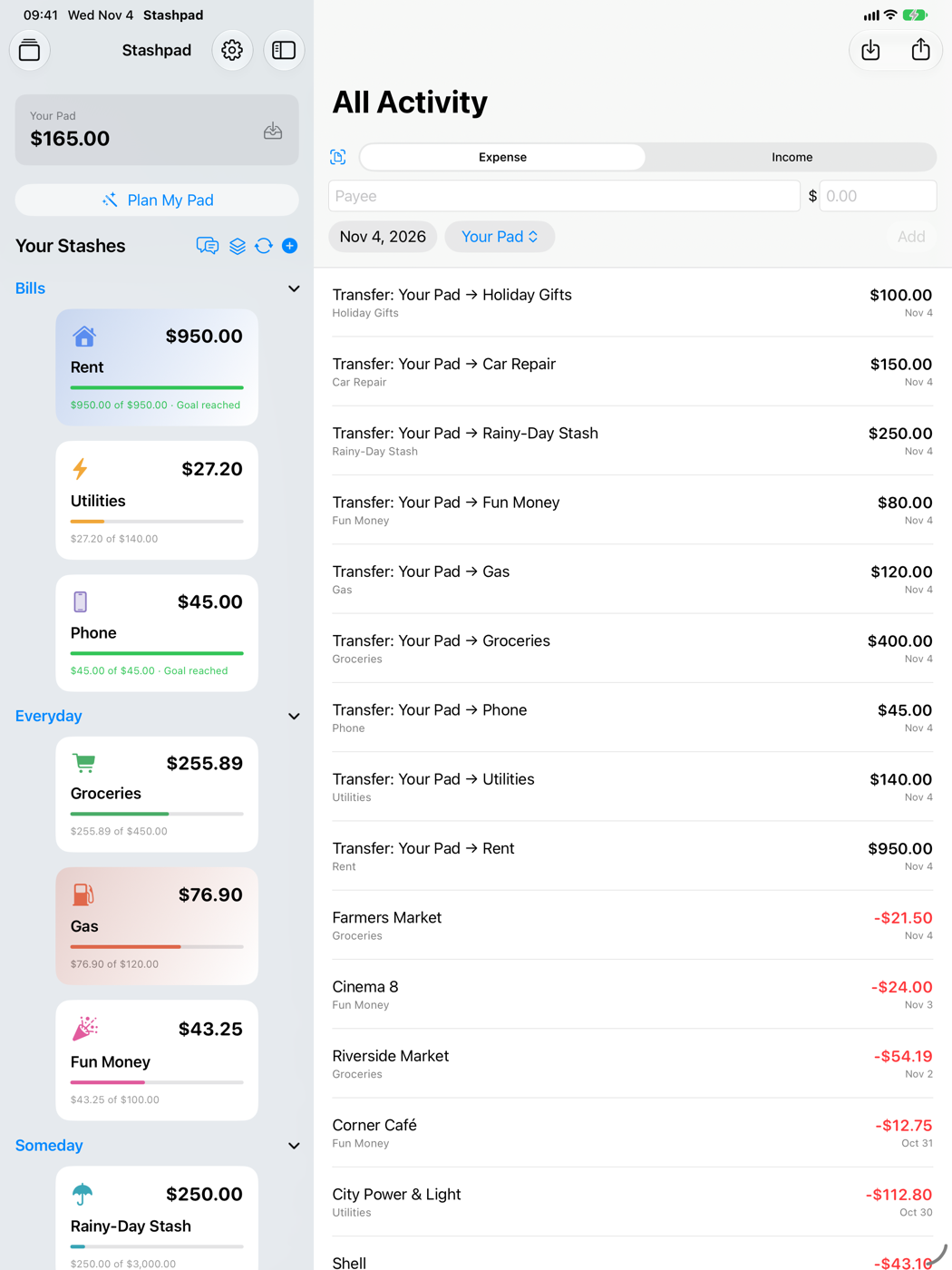
Stashpad words
Budgeting, in words you already know.
Reminders
As gentle or as naggy as you like.
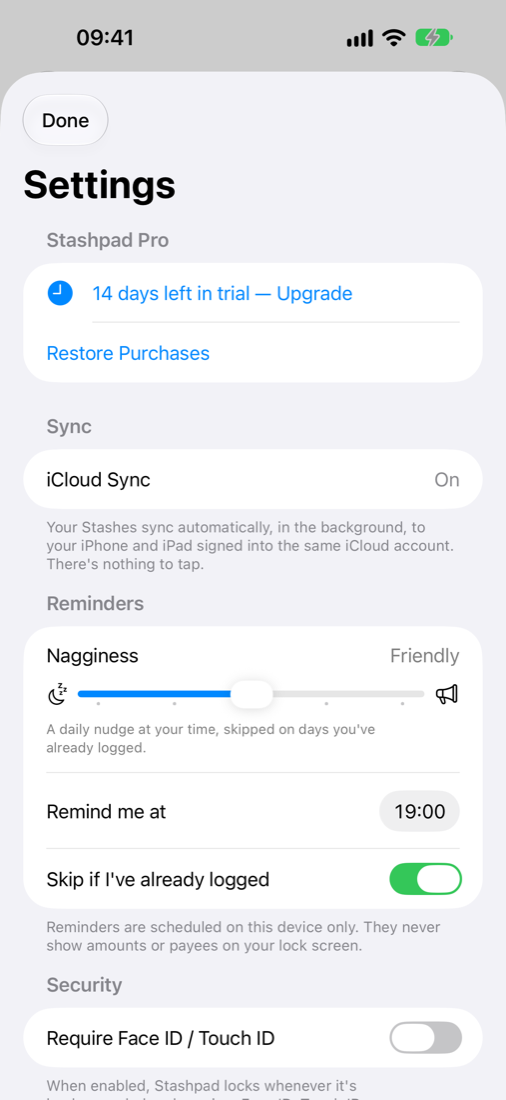
A budget only works if you log what you spend. Set the Nagginess slider where it suits you. Reminders skip days you've already logged and never show amounts on your lock screen.
Pricing
Free for a real budget. Pro when you want more.
Every new install gets 14 days of Pro, with nothing to buy and nothing to cancel.
Free
- Up to 15 Stashes
- Quick Entry, drag-and-drop transfers, Stash targets
- Plan My Pad: Classic and Clear Pad styles
- The Pad Coach
- CSV import & export
- Siri & Shortcuts
- Nagginess reminders
- Face ID / Touch ID lock
- The beginner's guide
Stashpad Pro
- Unlimited Stashes, plus Stacks
- Someday Stashes with goal dates and monthly pacing
- 50/30/20, Pay Yourself First and Paycheck budget styles
- Recurring transfers on payday
- Multiple Workspaces, each kept separate
- Private iCloud sync between iPhone and iPad
- Home Screen widget
- On-device receipt scanning
- Ledger/hledger and OFX/QFX import & export
- Card themes and extra icons
Prices in USD; your App Store shows local pricing.
FAQ
Frequently asked.
Does Stashpad connect to my bank?
No. Stashpad never asks for bank credentials. You log entries yourself, which is the habit that makes envelope budgeting work, or import a CSV, OFX or QFX file you download from your bank.
Where is my data stored?
On your device. With Pro you can turn on iCloud sync, which keeps it in your own iCloud account. The developer never receives your budget. See the Privacy Policy.
What happens when the 14-day trial ends?
Nothing is charged, because the trial isn't a subscription. Pro features pause, and everything you created stays in the app.
Do I lose anything if I stop paying for Pro?
No data is deleted. Pro-only views and automation pause until Pro is active again.
Is this financial advice?
No. Stashpad is a budgeting tool. For financial, tax or legal advice, talk to a qualified professional.